## The foreign trade accessories QC recording task this article solves If you're checking the style, color, size, and QC photos of [foreign trade](https://fashion-reps.net/brand/foreign-trade) [accessories](https://fashion-reps.net/accessories), the most common problem isn't "do we have photos" but that the photos, product specs, and final judgment don't correspond. This article provides a workable recording method: first confirm the target item in the product catalog, then write the visible QC
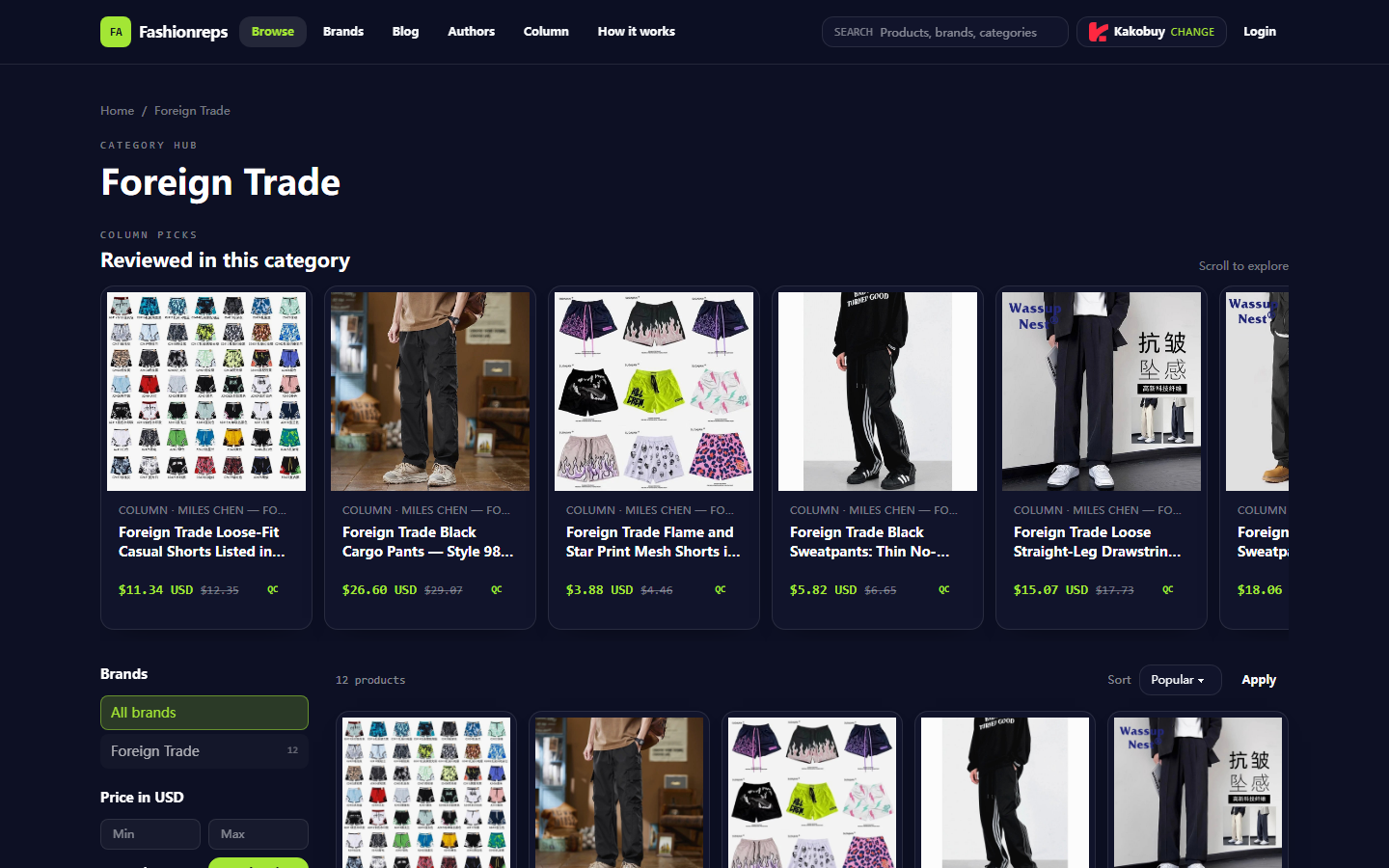
The foreign trade accessories QC recording task this article solves
If you're checking the style, color, size, and QC photos of foreign trade accessories, the most common problem isn't "do we have photos" but that the photos, product specs, and final judgment don't correspond. This article provides a workable recording method: first confirm the target item in the product catalog, then write the visible QC photos into Google Sheets by number, angle, and issue location, and finally decide based on evidence whether to continue consulting, request handling, or stop ordering. 🧾
First, clarify the platform boundary: pandabuy ceased normal operations in 2024, so you cannot treat historical pandabuy pages, account processes, or QC photo statuses as facts about services still available today. fashion-reps is currently more suitable as a product discovery and catalog browsing entry; visible page features include category browsing, brand filtering, price filtering, sorting, and selecting a purchasing agent. This article will not describe these catalog functions as warehouse services still provided by pandabuy, nor treat catalog images as real QC evidence.
This article does not apply to scenarios requiring confirmation of current warehouse inventory, real inbound photos, real-time shipping costs, return deadlines, or destination country customs rules. Such facts must be separately verified with the agent or seller actually handling the current order, and the verification date recorded. 📅
First confirm style, color, and size from the pandabuy product detail page
The first step in the historical QC process is to fix the target specs from the product detail page. For accessories, at minimum record the following:
- Product name or seller title
- Color name and color code
- Size, length, width, or applicable range
- Material description shown on the page
- Hardware color, such as silver, gold, or gunmetal
- Product images and spec images on the page
- Seller information and page status shown on the product page
- Date and time zone at the time of recording
Don't just copy a vague product title. Accessories often come in different colors, sizes, or hardware versions for the same style. Without spec context, subsequent QC photos make it hard to judge whether the object in the photo is the version you intend to buy.
On fashion-reps catalog pages, you can use categories, brands, price ranges, and sorting to narrow down items. Prices in the catalog should only be treated as reference values displayed on the page, not directly equivalent to the current purchasable price, domestic shipping, or international shipping. The agent selection on the page is also just a jump or purchase entry, not confirmation that the agent has stock, inspection capability, or acceptance of the item.
It's recommended to assign a unique code to each product, such as FT-ACC-001. Once the code is established, use it simultaneously for screenshot filenames, Google Sheets row numbers, and subsequent consultation records to avoid duplicate registration of the same product due to color differences.
Enter the corresponding product's QC photo gallery via View QC Photos
If the platform or warehouse page actually handling your order provides a View QC Photos button, first confirm that the button corresponds to the current order or current inbound item, not a public product image, seller promotional image, or search result thumbnail. After opening, first check whether the page displays the product code, color, size, shooting time, or other information that can bind the order.
Button names, entry positions, and photo counts on historical pages cannot be directly assumed to still exist today. If the current page has no View QC Photos, or the button cannot be opened, do not substitute seller images for QC images, and do not infer product quality from blank image areas. You can record the status as "Warehouse QC photos not obtained" and suspend judgments that require visual confirmation.
After entering the gallery, don't jump to conclusions immediately. It's recommended to browse in the following order:
- First look at the overall view to confirm the product's shape, color, and main parts.
- Then look at front/back or left/right sides to confirm symmetry and structural integrity.
- Check hardware, connectors, buckles, and edge positions.
- Check stitching, edge pressing, glue spots, or printing details.
- Finally check size reference images to confirm whether there is a ruler, measurement value, or recognizable scale.
Browsing images only supports judgments of "what is visible in the image." For example, you can record a loose thread, obvious scratch, color difference, or missing buckle; you cannot directly write that the material is confirmed based on gloss in the photo, nor claim brand authenticity or durability based solely on appearance. 🔍
Visible hardware, edges, stitching, and symmetry evidence in website photos
Accessories QC recording should try to write judgments as evidence rather than adjectives. The following recording methods are suitable:
- Hardware: record whether buckles are installed, obviously crooked, or color matches product specs.
- Edges: record whether fraying, glue separation, uneven edge pressing, or obvious deformation is visible.
- Stitching: record whether stitching is continuous, and whether skipped stitches, broken threads, or loose threads are visible.
- Symmetry: compare left/right, front/back, or paired parts for obvious differences in height and position.
- Structure: record whether straps, rings, zippers, hooks, and connection points are intact.
- Surface: record scratches, stains, creases, or color unevenness directly visible in the photo.
- Size: only record as "size shown in image" when the image includes clear measurement reference; without measurement reference, mark as "cannot confirm from image."
Don't use conclusions like "perfect," "high-end," "authentic," or "flawless" that cannot be proven by images. If photo angle, lighting, or clarity is insufficient, note the limitations. For example: "Front view shows no obvious gaps, but no photo of the buckle back, cannot judge back wear." This writing is more suitable for later communication and avoids mistaking unknowns as qualified. ✅
How to record photo numbers and issue locations one by one in Google Sheets
The role of Google Sheets is not to replace the product page, but to put scattered page information, image observations, and handling decisions into the same traceable record. It's recommended to use one row per product for basic info, and a separate image detail sheet to record each QC photo.
| Product Code | Product Spec Summary | Photo Number | Photo Angle or Area | Visible Facts in Image | Issue Location | Judgment Status | Next Action |
|---|---|---|---|---|---|---|---|
| FT-ACC-001 | Black, silver hardware, page says one size | QC-01 | Front overall | Main color matches page selection | None | Pending review | Compare with back view |
| FT-ACC-001 | Black, silver hardware, page says one size | QC-02 | Buckle close-up | Buckle visible, slight reflection on edge | Right side of buckle | Needs confirmation | Request extra photo or consult |
| FT-ACC-001 | Black, silver hardware, page says one size | QC-03 | Back | Back area not fully in frame | Lower back edge | Insufficient info | Suspend final judgment |
If one photo contains multiple issues, don't just write "bad quality." You can split into "QC-02, right side of buckle, suspected scratch" and "QC-02, edge area, photo clarity insufficient" as two detailed entries. This allows quick location of specific issues when filtering for "Needs confirmation."
It's recommended to use dropdown options for consistent statuses:
- To record
- Verified
- Needs extra photo
- Needs consultation
- Obvious issue found
- Suspended judgment
- Handled
You can also add an "Evidence Level" column: A means photo is clear and angle is direct; B means observable but with obstruction or reflection; C means only preliminary reference; D means insufficient evidence. Evidence level is not a product rating, but a mark of recording quality.
How to separate product page specs, QC photos, and editorial judgment into columns
Don't write page specs, photo facts, and subjective decisions in the same cell. It's recommended to divide into at least three groups of fields:
Group 1 is product page fields, including product name, color, size, original material text, page price, seller information, and page verification date. This stores what the page claims.
Group 2 is QC photo fields, including photo number, photo angle, visible area, photo time, whether photo is clear, and whether photo can be bound to current order. This stores what the photo shows.
Group 3 is judgment fields, including whether it matches page specs, whether there are issues needing confirmation, whether extra photos are needed, whether to continue processing, and justification. This stores the action taken based on the first two groups of evidence.
For example, "Page labels silver hardware" belongs to product page fields; "Buckle appears silver-gray in photo" belongs to QC photo fields; "Color basically matches, but reflection affects judgment, need natural light close-up" belongs to judgment fields. The three cannot be merged into "silver hardware quality normal," because the last phrase hides the source and uncertainty.
If multiple people collaborate, you can lock the product code, original specs, and photo number columns, and only open the judgment status, notes, and next action columns. Filters should at least support filtering by product code, color, status, issue location, and verification date. Google Sheets sharing permissions should also be set according to task needs; do not put order numbers, full shipping labels, payment information, or ID documents into a public collaboration sheet. 🔐
Stop conditions when photo angles are insufficient, sizes are unclear, or information is inconsistent
The following situations should stop a "qualified" judgment, rather than filling in missing information with experience:
- Photos cannot confirm the corresponding product code, color, or size.
- Only front view, no back or side views sufficient to judge structure.
- Key areas such as buckles, stitching, and edges are blocked, overexposed, or severely reflective.
- Page specs inconsistent with color, size, hardware, or part count in photos.
- No size reference in photos, but length, width, or proportion needs confirmation.
- Product shown in photos may differ from product page style.
- Photo link broken, cannot open, or only shows thumbnail.
- Need to judge material feel, weight, smell, or durability, but no verifiable test records.
In these cases, record "Stop reason" and "Required supplementary evidence" in the sheet. For example: "Need close-up of buckle back," "Need length photo with ruler," "Need confirmation that photo corresponds to black version." The purpose of stop conditions is to prevent over-interpretation of a seemingly clear photo.
If the issue involves infringement risk, restricted goods, destination country import restrictions, or declaration requirements, do not resolve by under-declaring, splitting orders to avoid taxes, or evading inspection. Suspend the order and verify compliance requirements of the current agent and destination country. 📌
Website and sheet re-check checklist before ordering foreign trade accessories
Before submitting the final decision, you can complete a re-check in the following order:
- Product name, color, and size in the catalog correspond to the target record.
- Page price has verification date noted, and not treated as final landed cost.
- Current purchasing agent, stock, and acceptable product categories have been separately confirmed.
- Each QC photo has a unique number and corresponds to a specific product.
- Key hardware, edges, stitching, and structure areas have been recorded item by item.
- Photo facts and editorial judgment kept separate.
- All "Needs confirmation," "Needs extra photo," and "Suspended judgment" statuses have next actions.
- Seller promotional images, catalog images, or historical pages not used as current warehouse QC evidence.
- Sheet does not contain full order, payment card, ID, or unmasked shipping label information.
- Record retains page verification date, photo verification date, and judgment person or collaborating members.
The final decision should not have only two options: "buy" or "not buy." More robust statuses can be "Continue consultation," "Wait for extra photo," "Stop after finding obvious issue," or "Insufficient evidence, temporarily not processing." This creates a closed loop among website browsing, photo checking, and Google Sheets collaboration, and avoids mistaking unknown information for product advantages.
This recording method is most suitable for users who need to compare multiple foreign trade accessories, have multiple people reviewing together, or need to preserve an evidence chain. It increases entry and review time, but reduces repeated communication caused by errors in color, size, parts, or photo correspondence. For users who just want to quickly browse products and don't need QC evidence, there's no need to build a complete detail sheet; but as long as you plan to decide whether to continue ordering based on photos, you should not skip the correspondence between product specs and photo numbers.
Article images

Community feedback (0)
- No approved reviews yet.
- Keep in touch
Keep reading on this site
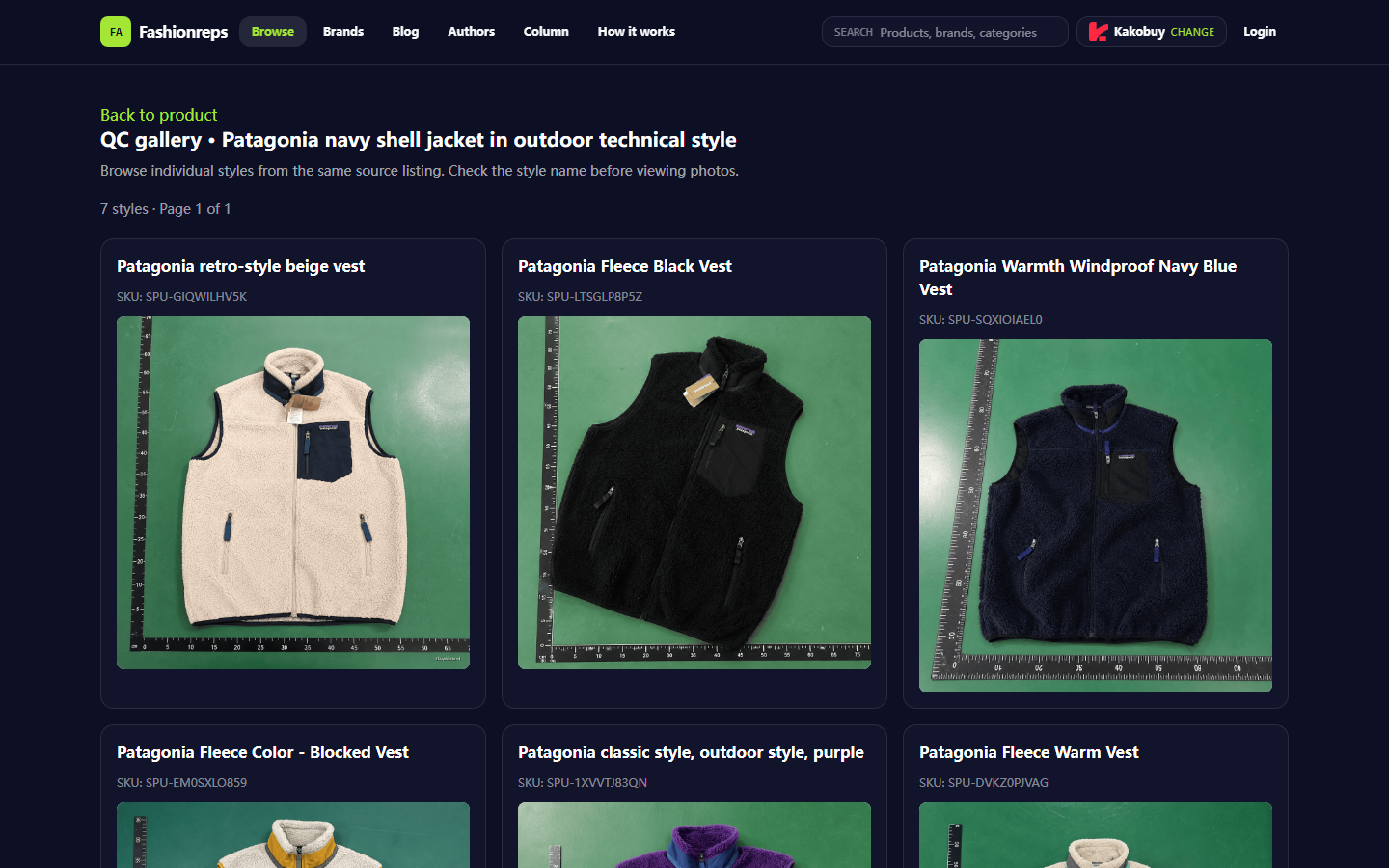
Patagonia Jacket: Split Costs & Verify Savings Before Order
## Defining Cost Decisions and Savings Boundaries for Patagonia Fall/Winter Jackets If you're planning to find a [Patagonia](https://fashion-reps.net/brand/patagonia) fall/winter jacket through a fashion-reps page, the first issue you need to solve isn't "which ordering method is cheapest," but whether you can compare the product price, agent service fee, payment fee, packaging fee, international shipping, exchange rate, and possible taxes under the same calculation framework. 🧾 This article ha
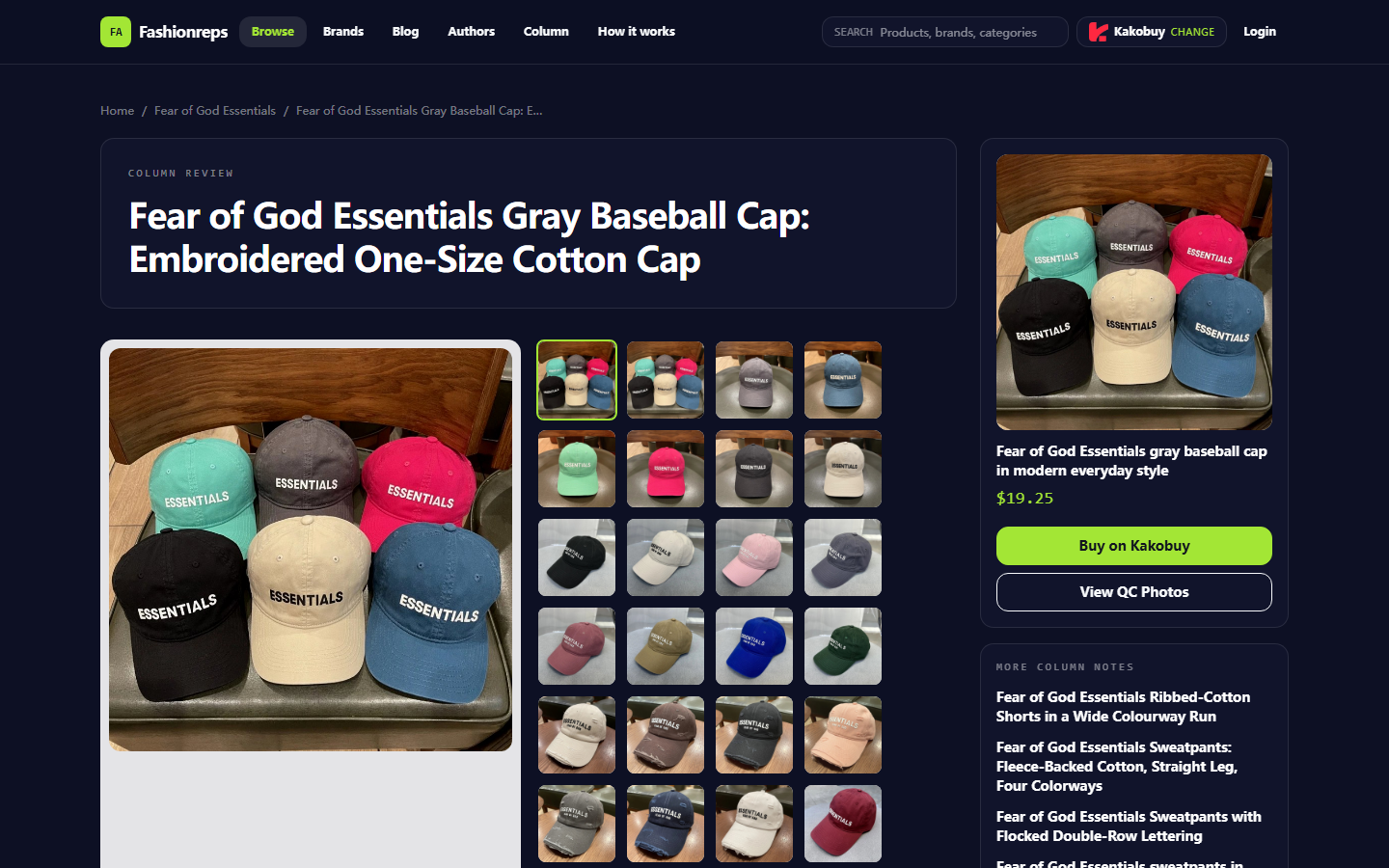
Fear of God Essentials Hoodie Review: Fit, Sizing & Checks
Introduction If you're judging whether a [Fear of God Essentials](https://fashion-reps.net/brand/fear-of-god-essentials) fall/winter hoodie is worth ordering on fashion-reps, the first thing to solve isn't "does it look similar," but whether the page evidence truly corresponds to this hoodie. The actionable goal of this article is: complete product page checks, organize fit and sizing evidence, distinguish the proof scope of page specs and QC photos, and stop ordering in time when information is
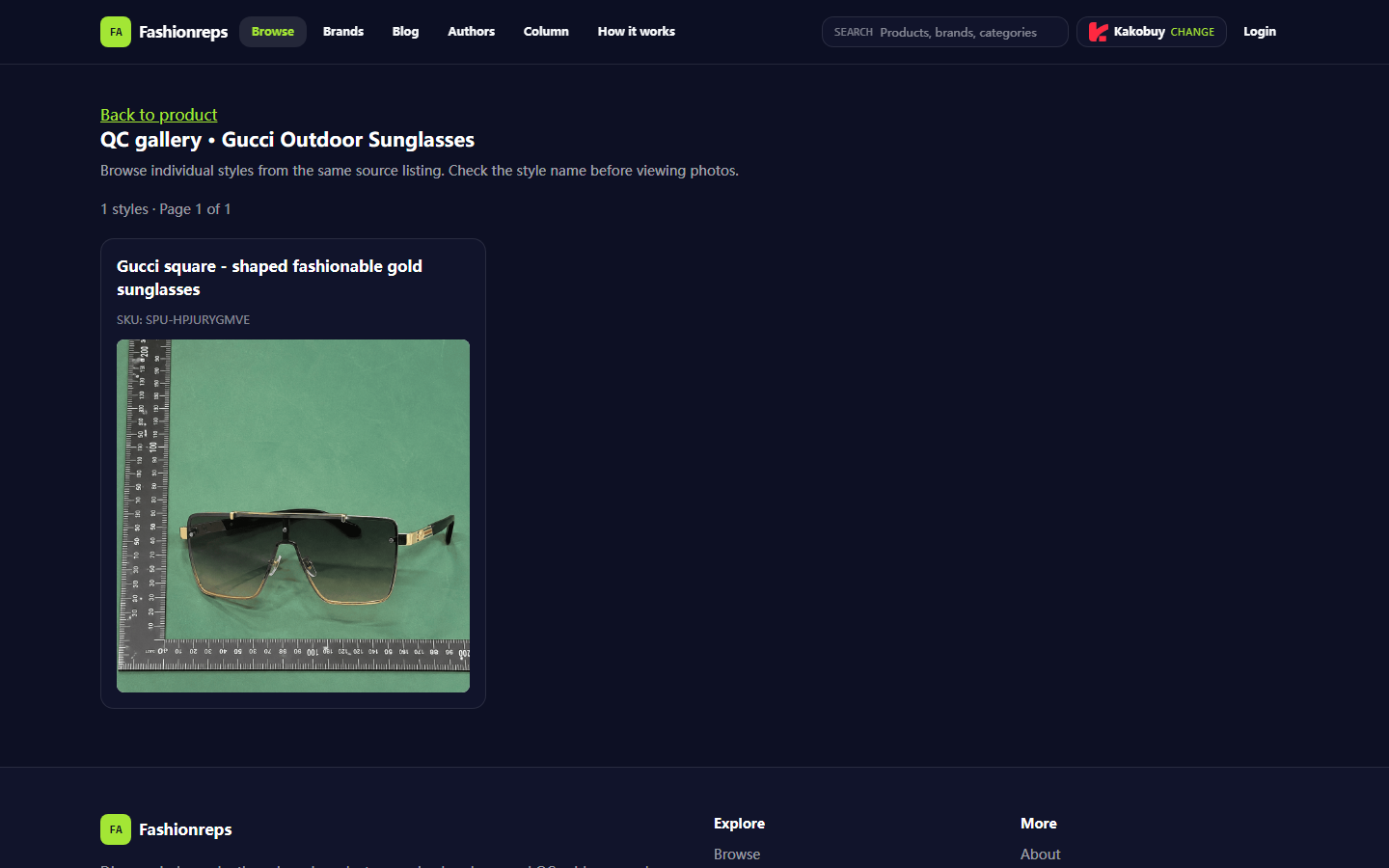
Verify Gucci Sunglasses Coupon on fashionreps
## Clarifying the Checkout Problem That Verifying a gucci Sunglasses Coupon Solves When buying [gucci sunglasses](https://fashion-reps.net/accessories/sunglasses/gucci), whether a coupon can be used cannot be determined solely by the discount percentage shown on the promotional page. What truly needs to be confirmed is: whether this coupon applies to the current item, current variant, current purchasing platform, and current order amount, and whether the discount will be correctly reflected befo